The paperwork leaves the dock before the driver does.
A load shouldn’t have to wait for paperwork to become billable. SHIPSMobile™ captures the bill of lading at the dock, verifies it’s usable before the driver leaves, and sends it straight into billing. No scanners. No Friday backlog. Just documents where they need to be, when they need to be.
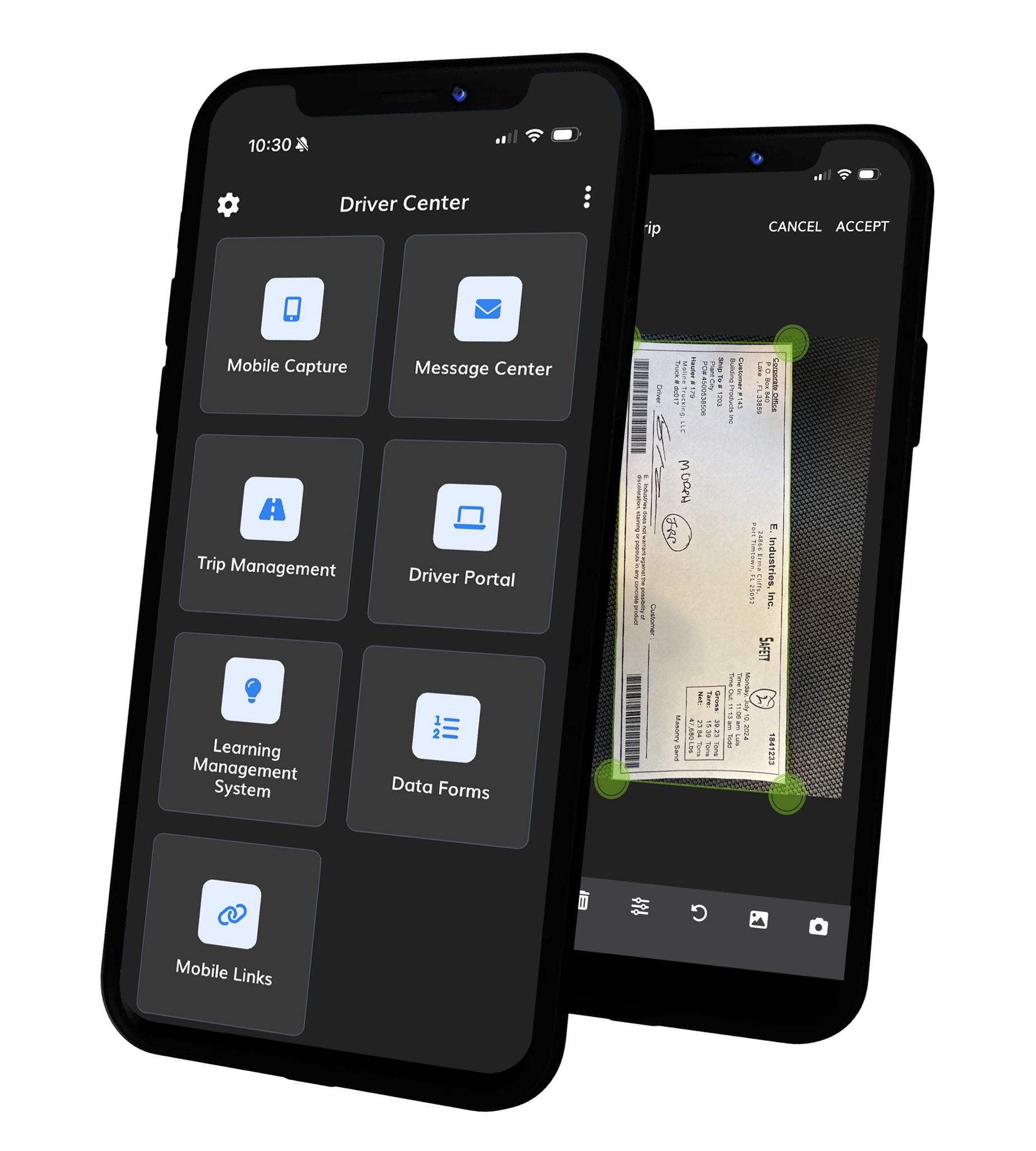
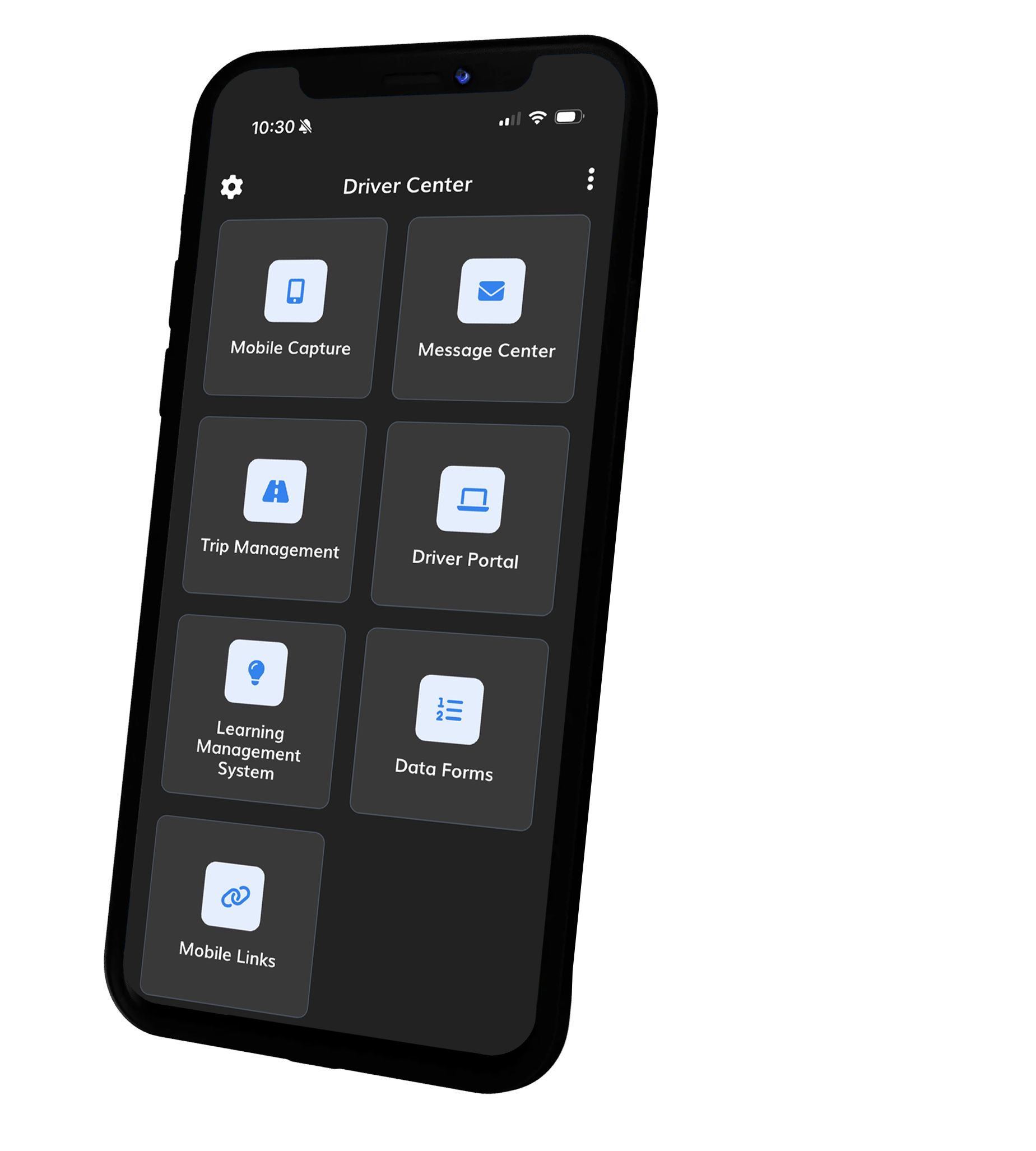
The app is free. Download it, sign in with the credentials your carrier gave you, and your paperwork goes straight to their back office.
The paperwork is just the start.
Most mobile capture is a scanner your drivers put up with. SHIPSMobile™ is where the documents, the instructions from dispatch, the training you assign and the settlement they are waiting on all live — branded to your company, on the phone already in their pocket.
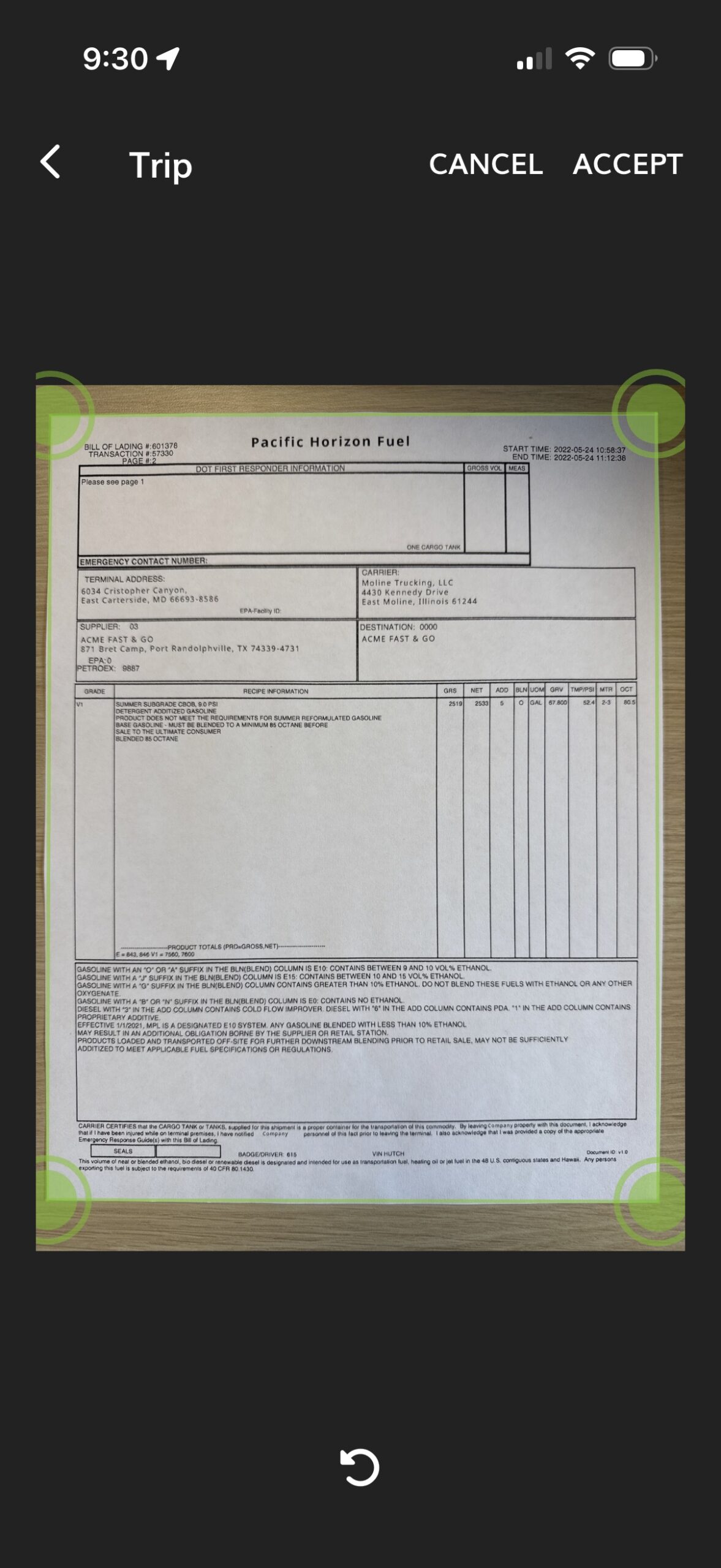
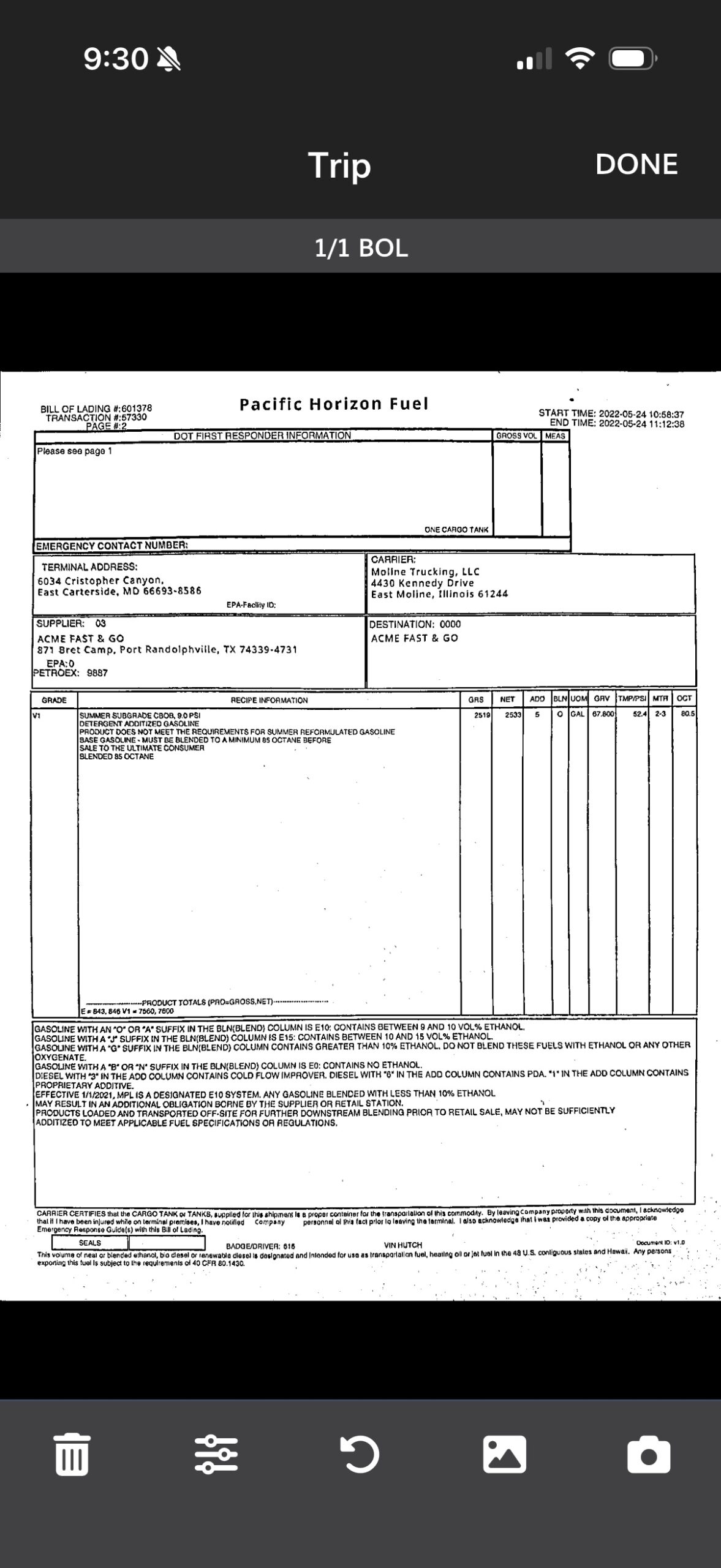
Captured, checked and delivered before the driver pulls out
Every document the office needs, off the driver’s phone.
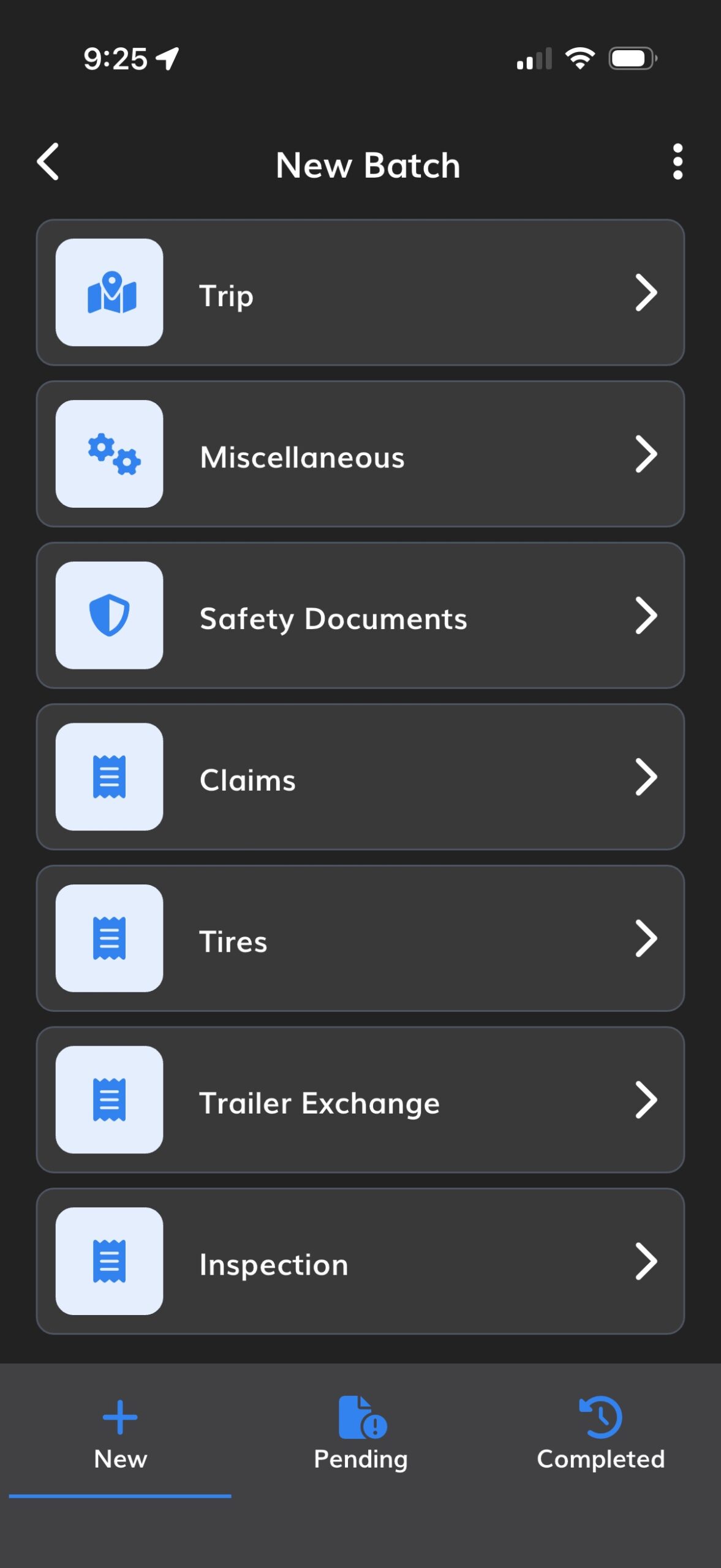
- Trip documents, safety documents and the miscellaneous ones nobody has a process for — wash receipts, lumper slips, scale tickets, CDLs and medical cards.
- Tire inspections and trailer exchanges are created in the app rather than photographed off a paper form. Tread depth, damage and condition, filled in where the driver is standing.
- The image is checked before it leaves the device. A cropped bill of lading is rejected at the dock, not three weeks later as a re-scan request.
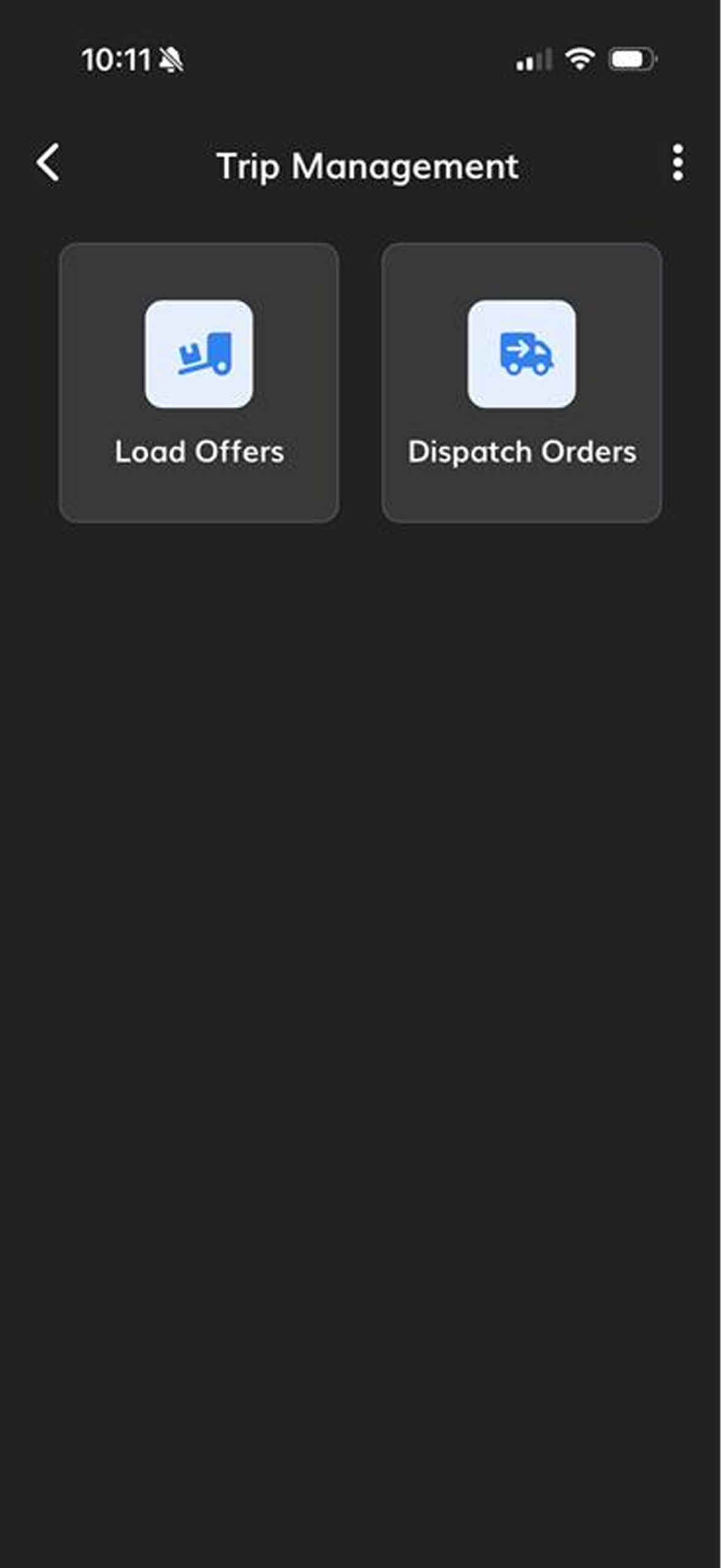
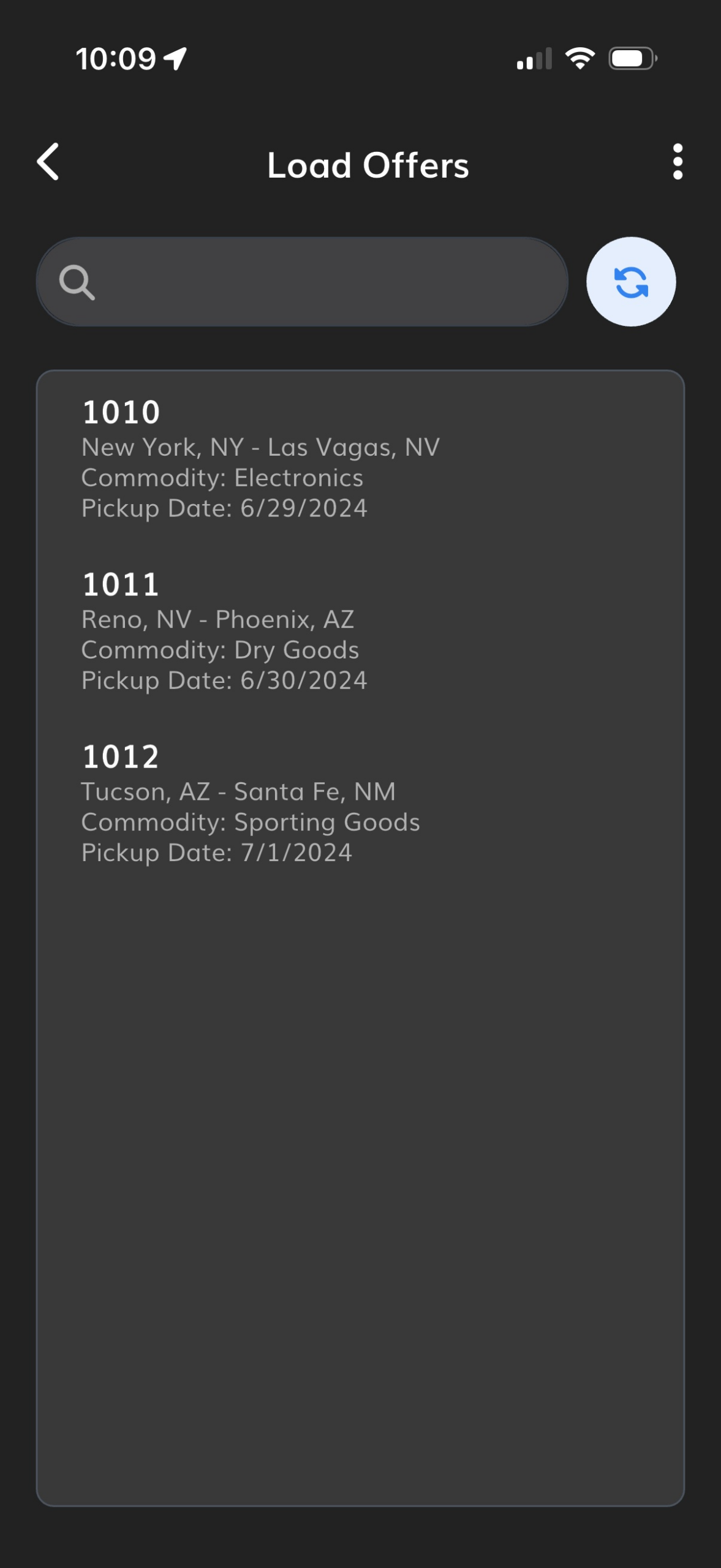
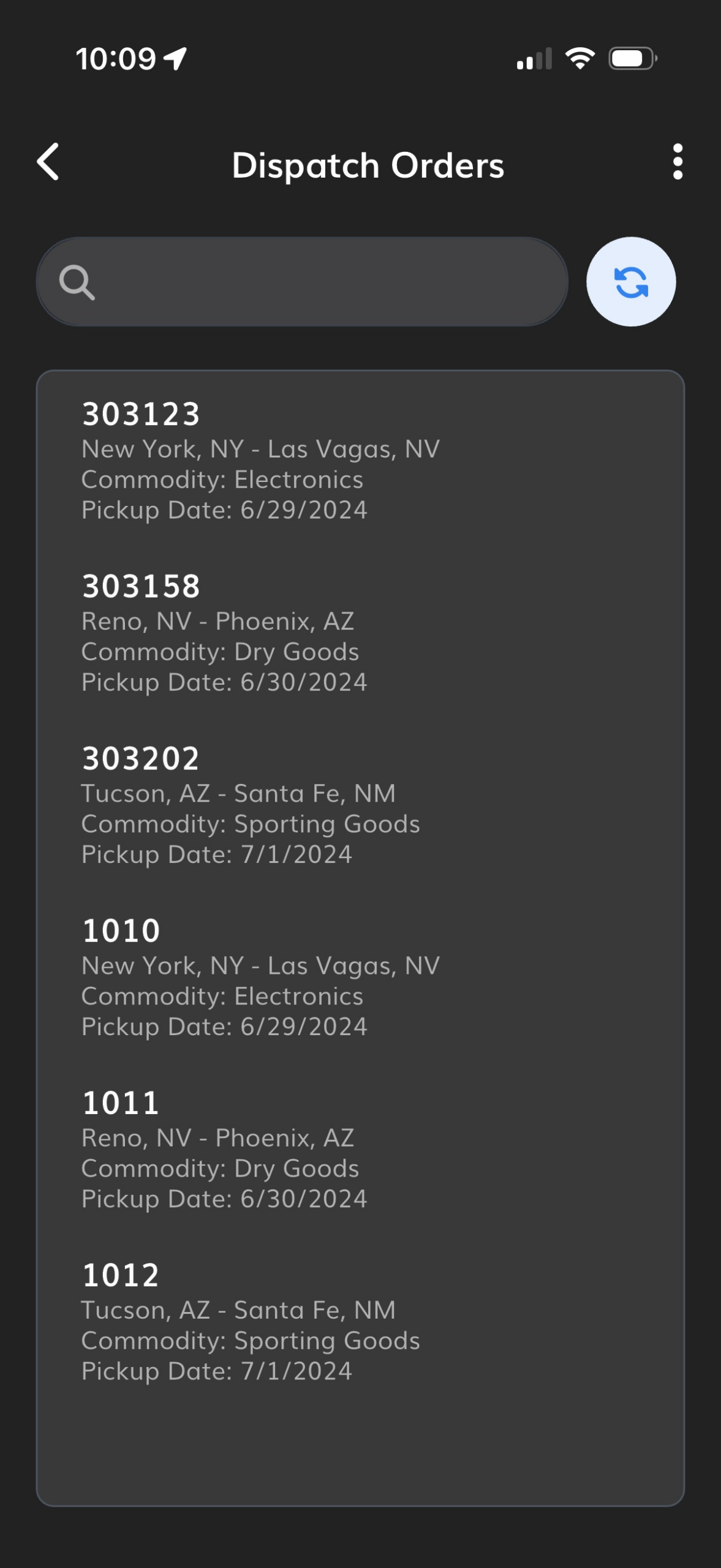
One shared view of the trip, office and cab
The trip is planned before they climb in.
- Load offers, preplans and trip documents in one place, so the driver knows the shape of the day before the engine starts.
- E-forms replace the paper packet, and bill of lading data can be entered from anywhere rather than only from the cab.
- Dispatch and the driver work from the same view of the trip, which is the end of the “I never got that” conversation.
Before the payroll cut-off, not after
Special instructions reach the driver, not a voicemail.
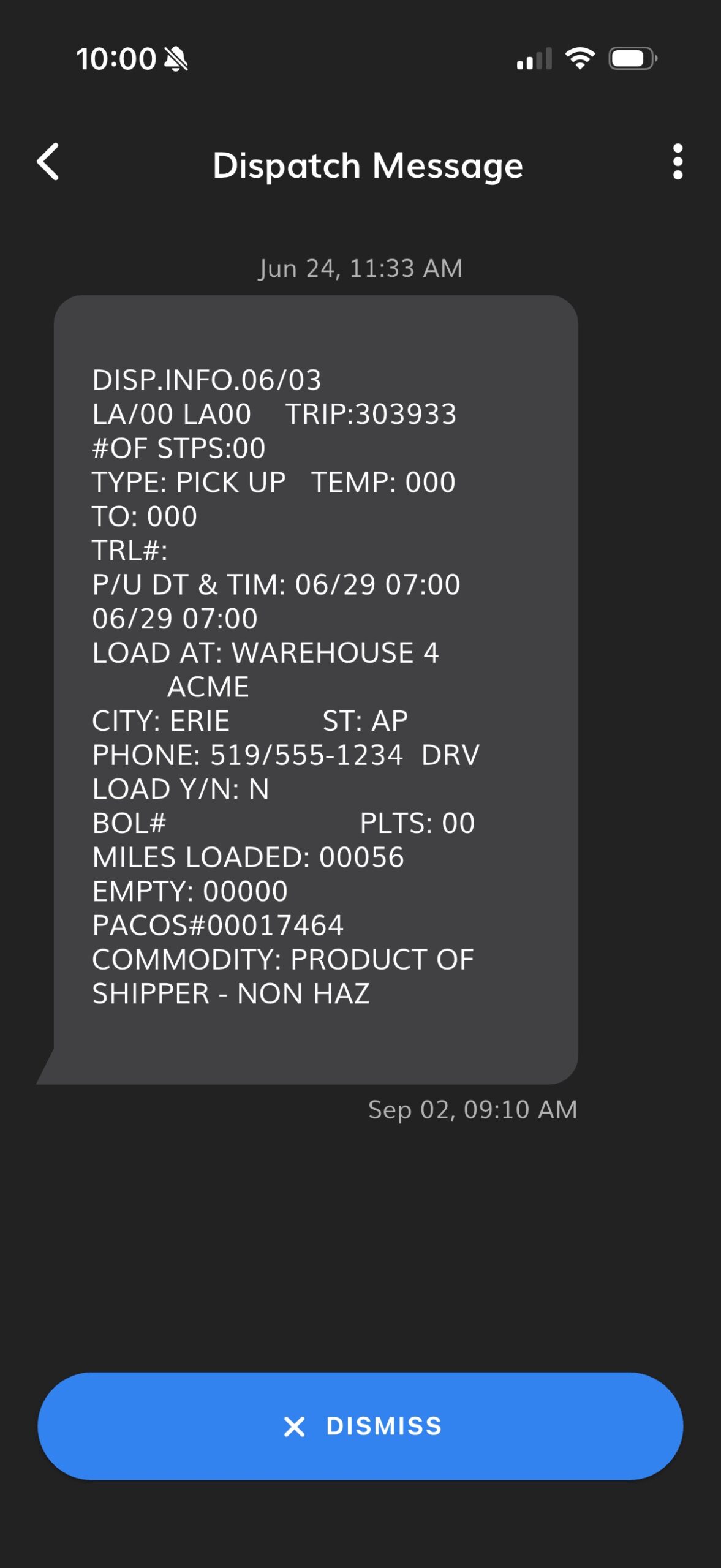
- Dispatch messages the driver in the same place the paperwork lives, so no personal cell number is involved and no thread goes missing.
- Special instructions arrive tied to the stop, the commodity or the customer, so the driver gets the rule that applies to the load in front of them.
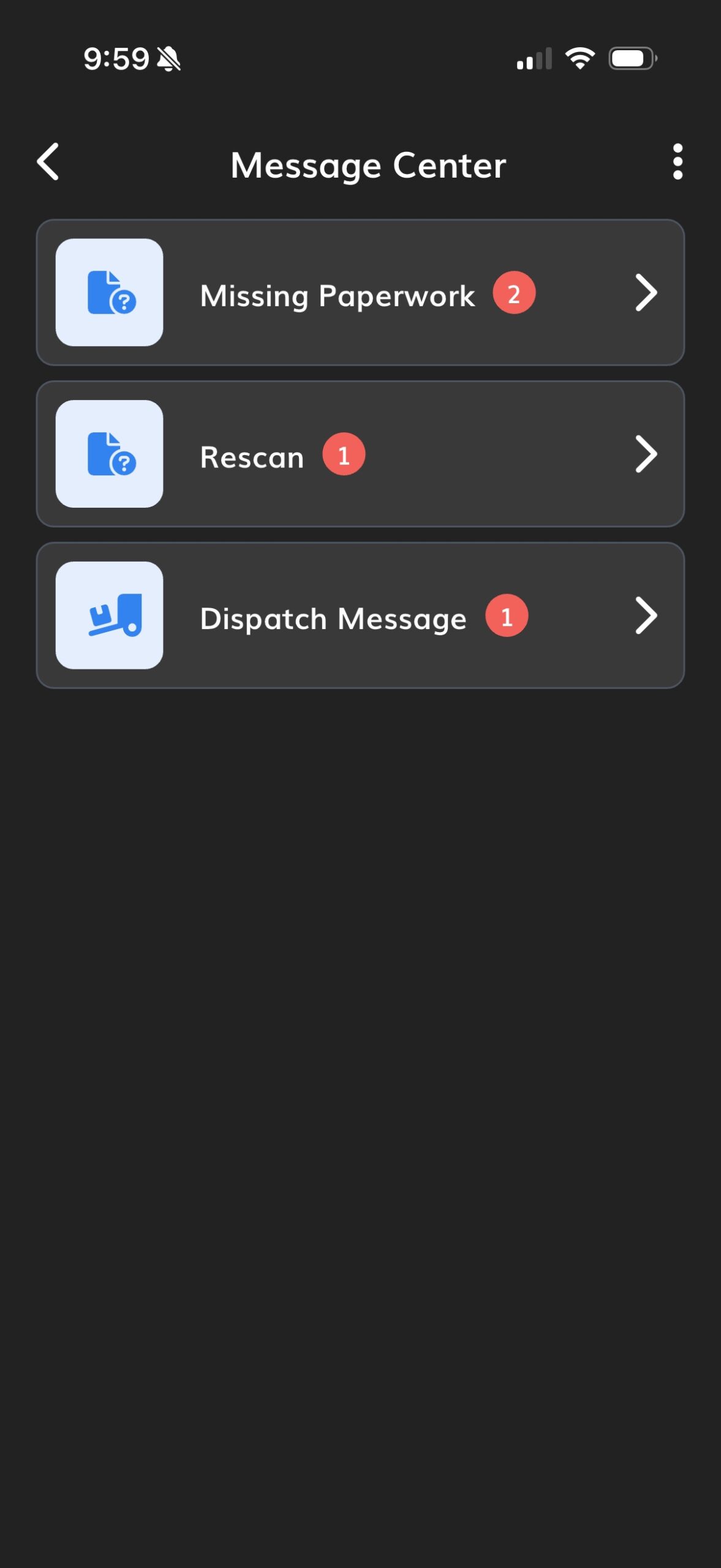
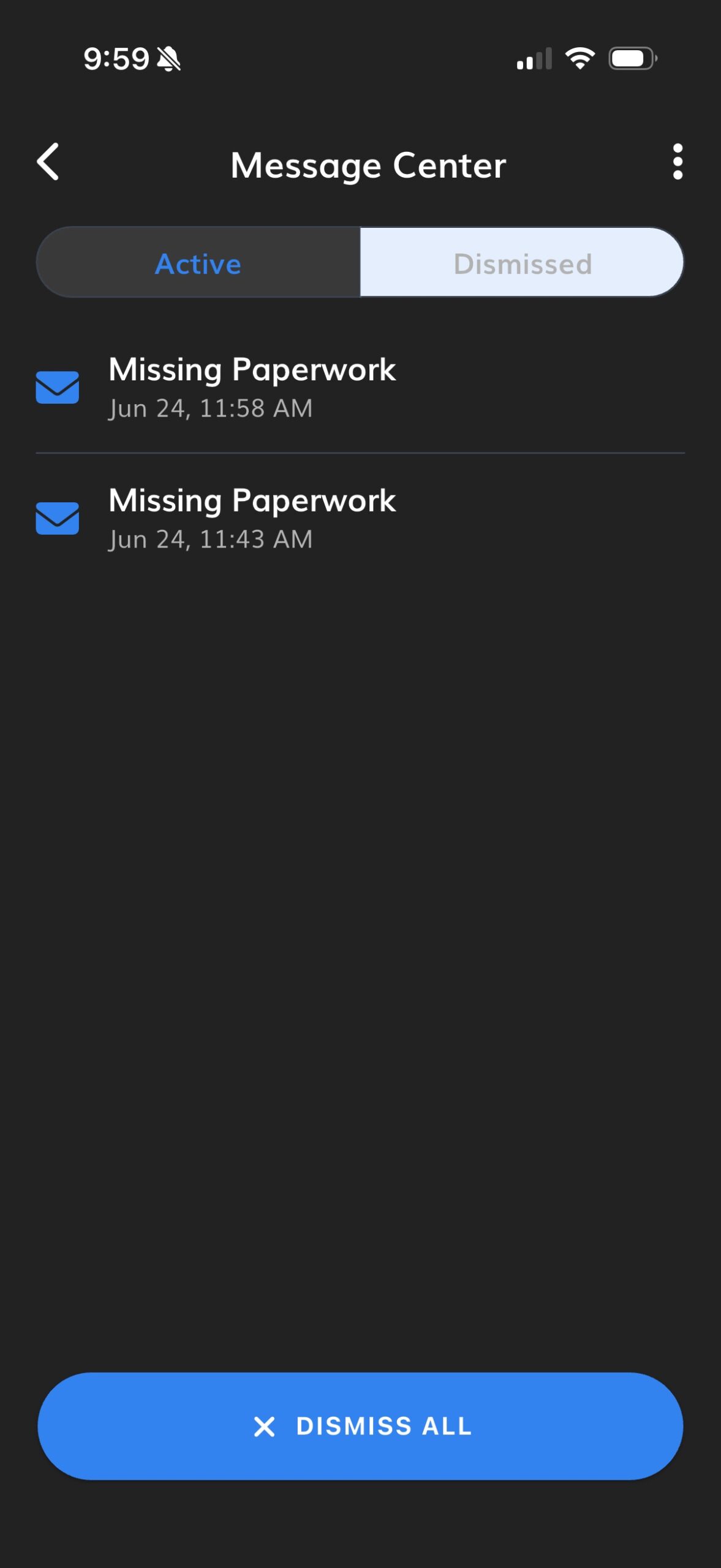
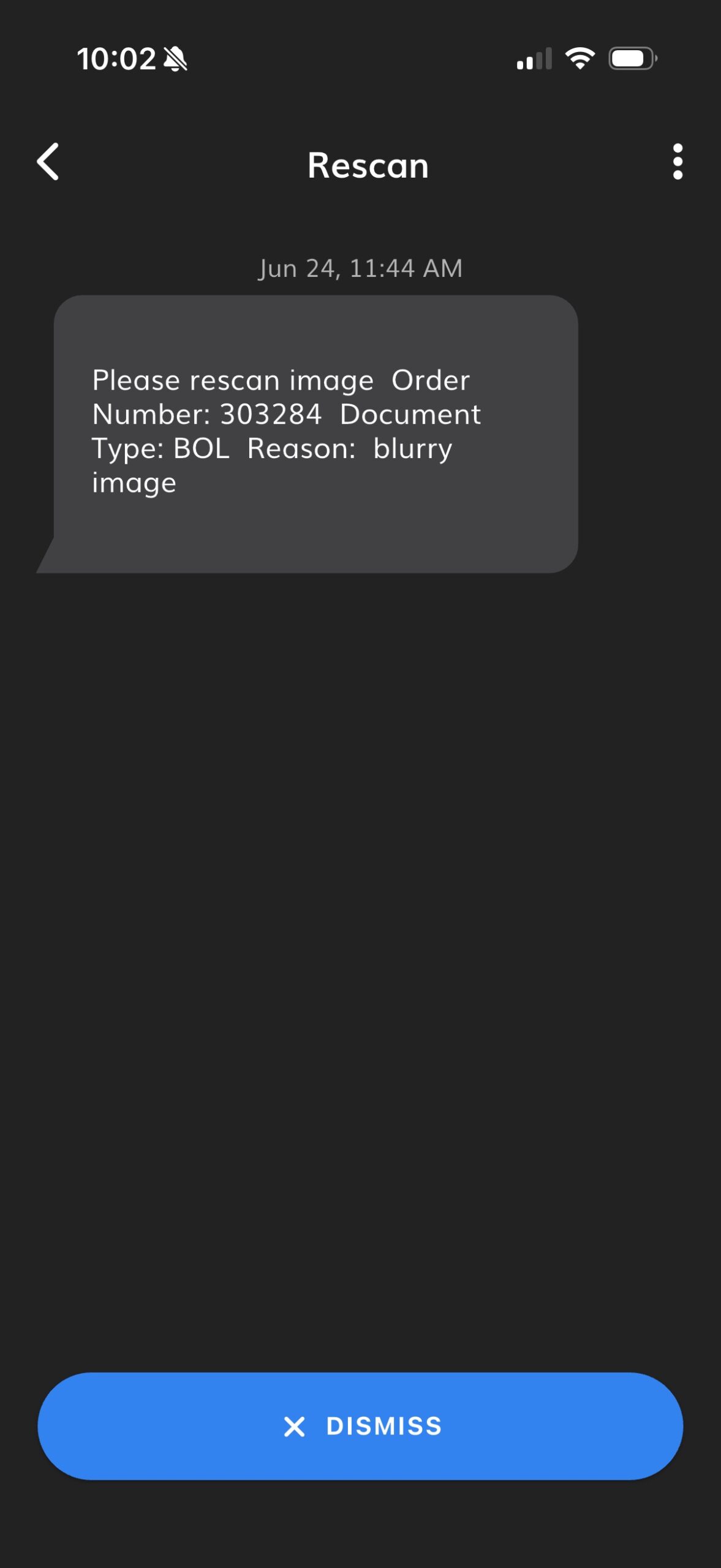
- Missing paperwork is flagged before the payroll cut-off rather than after the settlement comes up short, and a poor capture triggers a re-scan alert on the spot.
Assigned, taken and recorded in one place
Training reaches the driver where they already are.
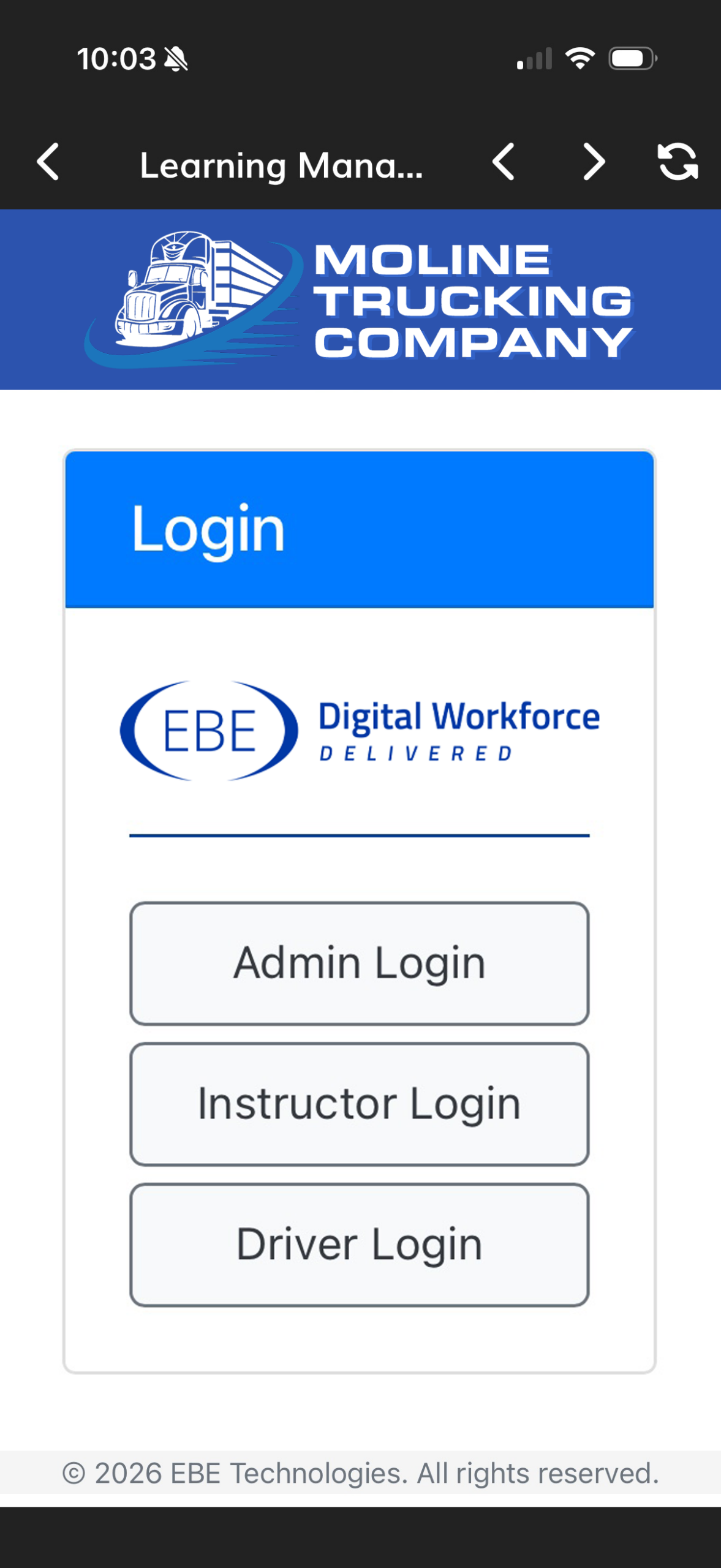
- Assignments come straight from the LMS into the app. Winter is coming, so a snow-driving course lands on every driver’s phone without anyone booking a room.
- Corrective action from an incident is assigned the same way, and completion is tracked rather than assumed.
- The record sits on the driver file, which is what you produce when somebody asks whether the training actually happened.
The answer is already in their hand
Fewer calls to payroll, because they can look.
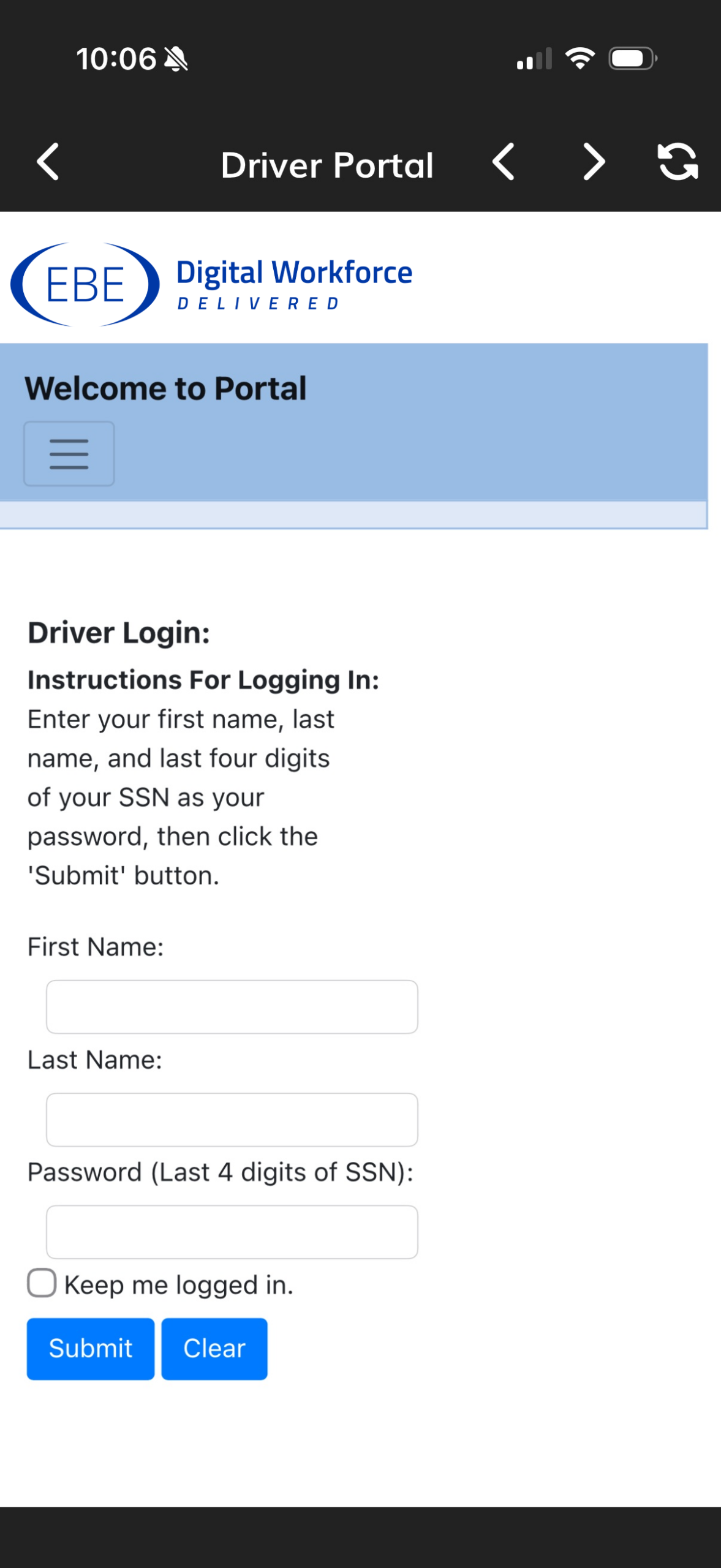
- Settlements, paystubs, contracts and driver documents in the portal, reachable from the app they already have open.
- Outstanding paperwork shows against the settlement it affects, so the conversation happens before payday rather than at the window afterwards.
- The questions that used to reach your payroll team by phone get answered by the driver themselves, at 11pm, in a truck stop.
Put document capture where the paperwork happens.
Most paperwork problems aren’t driver problems. They’re process problems. SHIPSMobile™ puts document capture in the driver’s hand, confirms the document is usable, and gets it where it needs to go without scanners or office delays.

Documents arrive at delivery instead of at the end of a run. The load becomes invoiceable the same afternoon.
The image is checked while the driver is still at the dock, so billing stops chasing documents that were never legible.
The Settlement Assistant tells them what paperwork is missing before the payroll cut-off, rather than after they've been shorted.
Branded to your company and connected to the mobile comm platform you already run, so it doesn't feel like another vendor's tool.
From the cab to the settlement.
Most carriers start with capture, because that’s the one that pays for itself first. The rest get switched on as more of the driver’s workflow moves onto the phone.
Mobile Capture
Bills of lading, PODs, OS&D reports, scale tickets, lumper receipts, CDLs, insurance and DVIRs photographed on the driver’s device and delivered into EBE’s document management or your own.
- Documents delivered in seconds
- Manual entry eliminated
- Better data accuracy at the source
- Works with your existing imaging system
Capture Wizard &
Image Auditor
Image quality checked on the device before submission, and again on the incoming batch before it reaches billing. Bad captures are rejected with a plain explanation rather than passed downstream.
- Borders flag the problem instantly
- Driver retakes before leaving the dock
- Batch audited ahead of billing
- Re-scan requests all but disappear
Mobile OCR
Optical character recognition performed on the document at the point of capture, so the data is read where it’s created rather than keyed again in the office.
- Better billing time and accuracy
- No driver-entered data
- Data accelerated from anywhere
- Feeds straight into BeyondAI™
Trip Management & Out of Cab
Load offers, preplans, e-forms and trip documents in one place, and the planning work done before the driver climbs in. BOL data can be entered from anywhere.
- Plan a trip before entering the cab
- One shared workspace with dispatch
- Load offers and preplan visible to the driver
- E-forms replace the paper packet
Settlement Assistant
Monitors your TMS for status changes and alerts drivers and management to missing trip documents — before the payroll cut-off rather than after the settlement is short.
- Missing and late paperwork alerts
- Payroll cut-off and re-scan alerts
- Roll-up reports to the right people
- Alerts scheduled by time of day or load status
Mobile API
Lets the mobile apps you already run use SHIPSMobile™ as part of their workflow, so drivers aren’t juggling three tools to finish one load.
- Open API into your mobile comm devices
- Simplified driver interface
- Integrates into apps drivers already open
- One capture path, whatever the front end
The pieces most carriers ask for next.
Drivers are presented with the right LMS lesson automatically, based on the stop, the commodity or a customer-specific code.
Time from load empty to paperwork submitted, missing-paperwork alerts by driver code, and alert receipt, routed wherever you keep your reporting.
A single message thread with the driver, held for 30 days, so dispatch stops using personal phone numbers.
One hub for everything the driver needs to see — settlements, contracts, deadlines and outstanding paperwork.
Also configurableContract management for driver-facing settlement detail, and a dispatch interface that monitors stop and commodity codes inside your TMS.
Ask about these →What carriers running SHIPSMobile™ say.
EBE’s solution has been incredibly successful for our organization. It eliminated significant manual effort across billing and settlement by integrating directly with our dispatch, mobile, and EDI systems.
EBE’s Adaptive Capture is seamlessly enabled in our mobile comm workflow and ensures our drivers capture the images our customers require. We have eliminated claims, service failures, and removed driver frustration.
We’ve seen the gains from implementing these solutions, and that’s why we keep going back to EBE. By the time we’re done, I don’t think there will be a solution that EBE offers that we don’t have.
The mobile comm platform you already run.
SHIPSMobile™ connects through open APIs into the platforms already in your cabs, and delivers into the imaging and TMS systems in your back office. Drivers keep the app they know.






The Digital Workforce Playbook
How transportation companies put automation to work in the back office — where the repetitive handling actually sits, what to automate first, and how to tell whether it worked. Written for the operator, not the software buyer.
Download the playbook →
The four questions we get on every first call.
Asked and answered here rather than in week three of an evaluation.
Do our drivers have to give up the app they already use?
No. SHIPSMobile™ has an open API into Platform Science, Geotab and Motive, so the capture workflow can run inside the mobile comm platform your drivers already open every day. Carriers who don't have one run SHIPSMobile™ on its own, branded to their company.
What does it cost a driver?
Nothing. The app is free on the App Store and Google Play, and drivers sign in with credentials their carrier issues. It runs on the phone they already carry, so there's no hardware to buy and nothing to mount in the cab.
What happens to a bad photo?
It gets rejected on the device, with a plain sentence explaining what to fix — edges not visible, glare on the signature. The Image Auditor runs the same check on the incoming batch before it reaches billing, so the failure is caught at the dock rather than three weeks later as a re-scan request.
Does this replace our TMS or our imaging system?
No. SHIPSMobile™ feeds them. Captured documents are read by mobile OCR, indexed to the load and delivered into the document management and billing systems you already run — which is what makes the load invoiceable the same day it delivers.
Something we didn't cover? Ask it before you commit to a meeting.
Ask us directly →Different departments,
the same Digital Workforce.
Tell us how a bill of lading reaches your billing team today.
If the answer involves a truck stop, an envelope or a driver's Friday, that's the whole conversation. We'll show you the same load captured at the dock and indexed before the driver pulls out.